Best AI Tools for Beginners: A Complete Guide for 2026
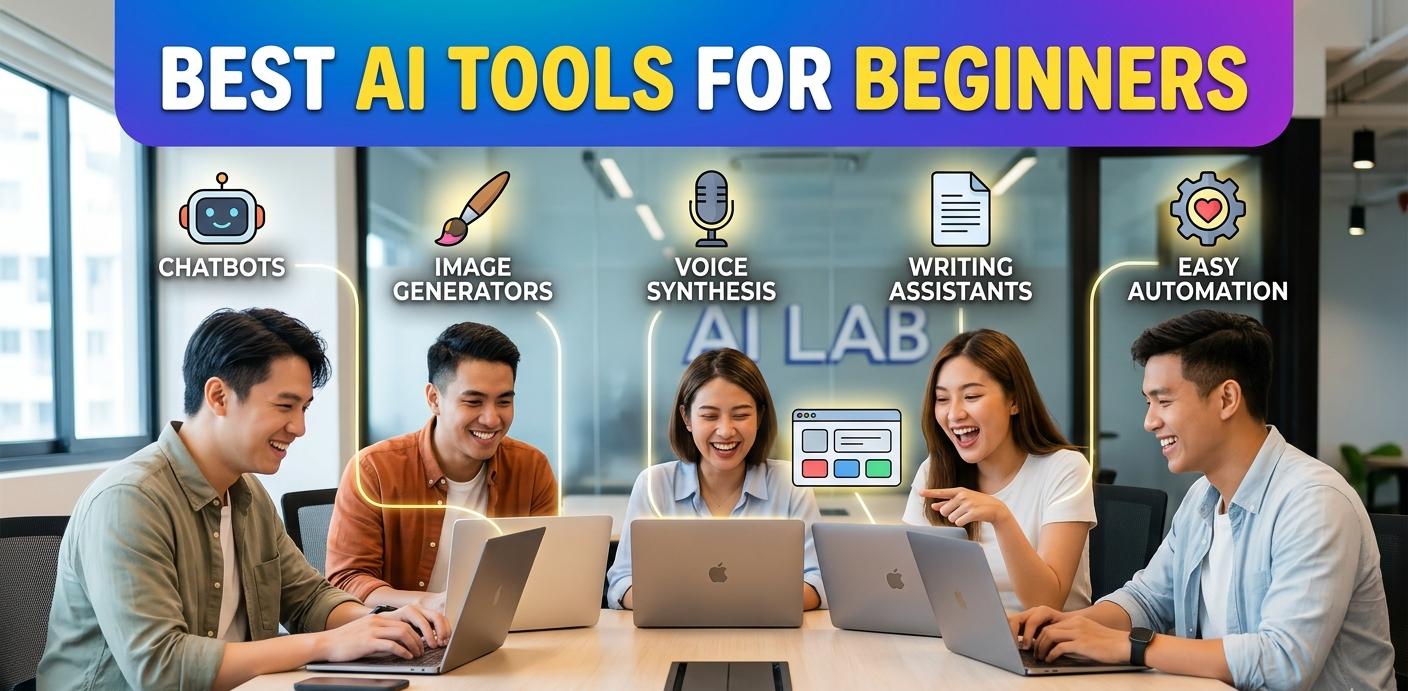
Artificial Intelligence (AI) is no longer a technology reserved for developers, scientists, or large corporations. Today, AI tools are accessible to everyone, including students, bloggers, freelancers, business owners, marketers, and content creators. Whether you want to write articles, create images, edit videos, automate tasks, or improve productivity, there is an AI tool designed to help.
For beginners, the AI landscape can seem overwhelming because hundreds of tools are available. Some focus on content creation, while others specialize in image generation, coding, customer service, or business automation. Choosing the right tools can save time, increase productivity, and make learning AI much easier.
This guide explores the best AI tools for beginners in 2026, explaining their features, benefits, and ideal use cases.
Why Beginners Should Use AI Tools
AI tools can simplify many everyday tasks. Instead of spending hours writing content, designing graphics, or analyzing data, AI can complete much of the work in minutes.
Benefits of AI tools include:
- Increased productivity
- Faster content creation
- Improved creativity
- Better organization
- Reduced workload
- Cost savings
- Easy learning curve
- Enhanced business efficiency
Most beginner-friendly AI tools require little to no technical knowledge, making them ideal for newcomers.
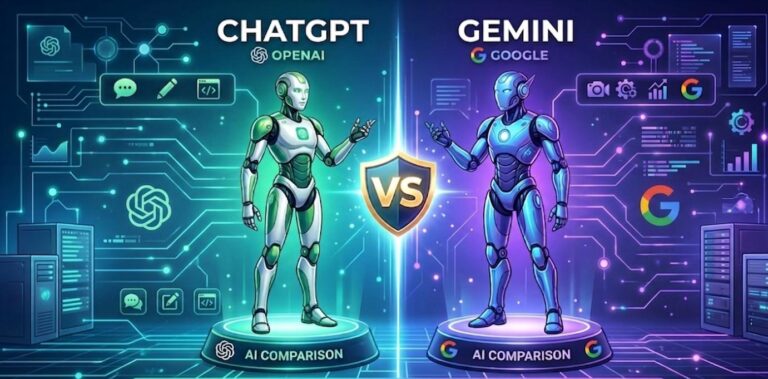
1. ChatGPT
ChatGPT remains one of the most popular AI tools for beginners. It can answer questions, write articles, generate ideas, summarize information, and assist with countless tasks.
Key Features
- Content writing
- Research assistance
- Coding help
- Email drafting
- Brainstorming ideas
- Language translation
Best For
- Students
- Bloggers
- Freelancers
- Small business owners
- Content creators
Why Beginners Love It
The interface is simple and conversational. Users can ask questions naturally and receive detailed responses instantly.
2. Google Gemini
Google Gemini is a powerful AI assistant that integrates with Google’s ecosystem. It can help users conduct research, write content, and analyze information.
Key Features
- Real-time web access
- Content generation
- Data analysis
- Integration with Google Workspace
- Image understanding
Best For
- Researchers
- Students
- Business professionals
Advantages
Gemini provides access to current information and works seamlessly with Google Docs, Sheets, and Gmail.
3. Canva AI
Canva has become one of the easiest graphic design platforms available. Its AI-powered features allow beginners to create professional designs without design experience.
Key Features
- AI image generation
- Presentation creation
- Social media graphics
- Magic Write tool
- Background remover
Best For
- Social media managers
- Bloggers
- Entrepreneurs
- Students
Why It’s Beginner-Friendly
The drag-and-drop interface makes designing simple and enjoyable.
4. Midjourney
Midjourney is an AI image generator capable of producing stunning artwork from text prompts.
Key Features
- High-quality image creation
- Artistic styles
- Concept art generation
- Marketing visuals
Best For
- Artists
- Designers
- Content creators
Benefits
Even users with no design skills can create professional-looking images using simple text descriptions.
5. Grammarly
Grammarly uses AI to improve writing quality by checking grammar, spelling, clarity, and tone.
Key Features
- Grammar correction
- Style suggestions
- Tone analysis
- Plagiarism detection
- AI writing assistance
Best For
- Students
- Bloggers
- Professionals
Why Beginners Use It
It helps users write confidently and professionally without advanced language skills.
6. Notion AI
Notion AI combines note-taking, task management, and AI assistance into one platform.
Key Features
- Note summarization
- Task organization
- Content generation
- Project planning
- Meeting notes
Best For
- Teams
- Students
- Productivity enthusiasts
Advantages
It keeps information organized while offering AI-powered assistance.
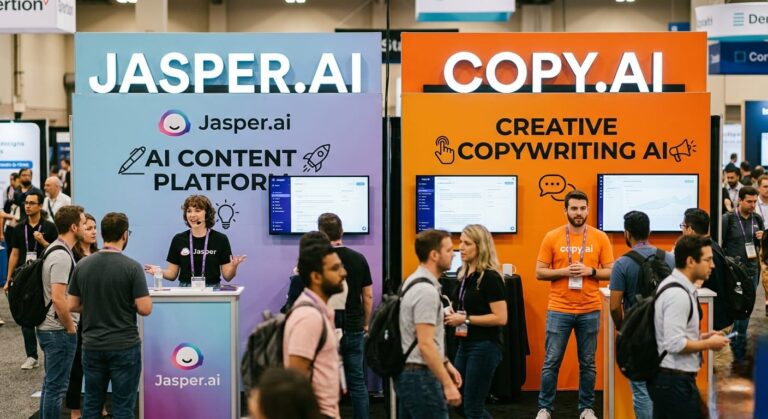
7. Jasper AI
Jasper AI specializes in content creation and marketing copy.
Key Features
- Blog writing
- Product descriptions
- Social media content
- Email marketing
- Ad copy creation
Best For
- Digital marketers
- Bloggers
- Businesses
Beginner Benefits
Templates guide users through the content creation process.
8. Copy.ai
Copy.ai helps beginners create marketing and business content quickly.
Key Features
- Blog outlines
- Product descriptions
- Social media posts
- Sales copy
- Email writing
Best For
- Entrepreneurs
- Small businesses
- Freelancers
Why It’s Useful
Users can generate quality content without hiring professional copywriters.
9. Synthesia
Synthesia allows users to create AI-generated videos using virtual presenters.
Key Features
- AI avatars
- Text-to-video conversion
- Multiple languages
- Training videos
- Marketing videos
Best For
- Educators
- Businesses
- YouTubers
Benefits
No camera, studio, or editing skills are required.
10. Pictory
Pictory transforms text content into engaging videos.
Key Features
- Blog-to-video conversion
- AI voiceovers
- Automatic captions
- Video editing
Best For
- Content creators
- Bloggers
- Marketers
Why Beginners Like It
Video creation becomes much easier and faster.
11. DALL·E
DALL·E generates unique images from text prompts.
Key Features
- AI-generated artwork
- Marketing visuals
- Creative illustrations
- Custom image design
Best For
- Designers
- Bloggers
- Social media creators
Beginner Advantage
Users simply describe what they want, and the AI creates it.
12. Otter.ai
Otter.ai automatically records and transcribes conversations.
Key Features
- Meeting transcription
- Voice recording
- Note generation
- Collaboration tools
Best For
- Students
- Journalists
- Business professionals
Benefits
It eliminates manual note-taking.
13. Perplexity AI
Perplexity AI combines AI-generated answers with source citations.
Key Features
- Research assistance
- Web search
- Source references
- Quick summaries
Best For
- Students
- Researchers
- Writers
Why It Stands Out
Users can verify information through linked sources.
14. Runway ML
Runway ML simplifies video editing with AI-powered tools.
Key Features
- Video generation
- Background removal
- Motion tracking
- AI effects
Best For
- Video creators
- Marketers
- Filmmakers
Beginner Benefits
Complex video editing tasks become much easier.
15. ElevenLabs
ElevenLabs creates realistic AI-generated voices.
Key Features
- Text-to-speech
- Voice cloning
- Multiple languages
- Natural voice output
Best For
- Podcasters
- Video creators
- Educators
Advantages
Produces highly realistic voiceovers without recording equipment.
How to Choose the Right AI Tool
Before selecting an AI tool, consider your goals.
For Writing
Choose:
- ChatGPT
- Jasper AI
- Copy.ai
- Grammarly
For Design
Choose:
- Canva AI
- Midjourney
- DALL·E
For Video Creation
Choose:
- Synthesia
- Pictory
- Runway ML
For Productivity
Choose:
- Notion AI
- Otter.ai
For Research
Choose:
- Gemini
- Perplexity AI
- ChatGPT
Tips for Beginners Using AI Tools
Start With Free Versions
Most AI platforms offer free plans. Test tools before upgrading.
Learn Prompt Writing
The quality of AI results often depends on the prompts you provide.
Example:
Instead of writing:
“Write a blog.”
Try:
“Write a 1,000-word beginner-friendly blog about healthy eating.”
Verify Important Information
AI can occasionally make mistakes. Always fact-check critical content.
Combine Multiple Tools
Many professionals use several AI tools together.
For example:
- ChatGPT for writing
- Canva AI for graphics
- Pictory for videos
Keep Learning
AI technology evolves rapidly. Stay updated with new features and platforms.
Future of AI Tools for Beginners
AI tools are becoming smarter, faster, and easier to use. Future developments may include:
- More personalized AI assistants
- Better voice interaction
- Advanced video generation
- Improved image creation
- Greater workplace automation
- Enhanced educational support
As AI continues to improve, beginners will gain access to increasingly powerful tools without needing technical expertise.
Frequently Asked Questions (FAQs)
1. What is the best AI tool for beginners?
ChatGPT is often considered the best AI tool for beginners because it is easy to use and supports a wide range of tasks.
2. Are AI tools free to use?
Many AI tools offer free plans, though premium features usually require a subscription.
3. Which AI tool is best for writing?
ChatGPT, Jasper AI, Copy.ai, and Grammarly are among the best AI writing tools.
4. What AI tool is best for creating images?
Midjourney, DALL·E, and Canva AI are excellent options for AI-generated images.
5. Can AI tools help students?
Yes. AI tools can assist with research, note-taking, writing, studying, and organization.
6. Do I need coding knowledge to use AI tools?
No. Most beginner-friendly AI tools are designed for users with no programming experience.
7. Which AI tool is best for video creation?
Synthesia, Pictory, and Runway ML are popular choices for AI-powered video creation.
8. Is AI content good for blogging?
AI can help generate ideas and drafts, but human editing is recommended for originality and quality.
9. Can AI replace human creativity?
AI can assist creativity, but human judgment, emotions, and unique perspectives remain essential.
10. What is the future of AI tools?
The future includes smarter assistants, improved automation, realistic content generation, and broader accessibility for users worldwide.
Conclusion
AI has transformed the way people work, learn, and create content. Beginners no longer need advanced technical knowledge to benefit from artificial intelligence. Tools like ChatGPT, Gemini, Canva AI, Grammarly, Notion AI, Midjourney, and Synthesia make it possible to write, design, research, and automate tasks with ease.
The best approach is to start with one or two tools that match your goals. As you become more comfortable, you can explore additional AI platforms and discover new ways to improve productivity and creativity.
Whether you’re a student, blogger, freelancer, entrepreneur, or business owner, AI tools can help you save time, increase efficiency, and achieve better results in 2026 and beyond.