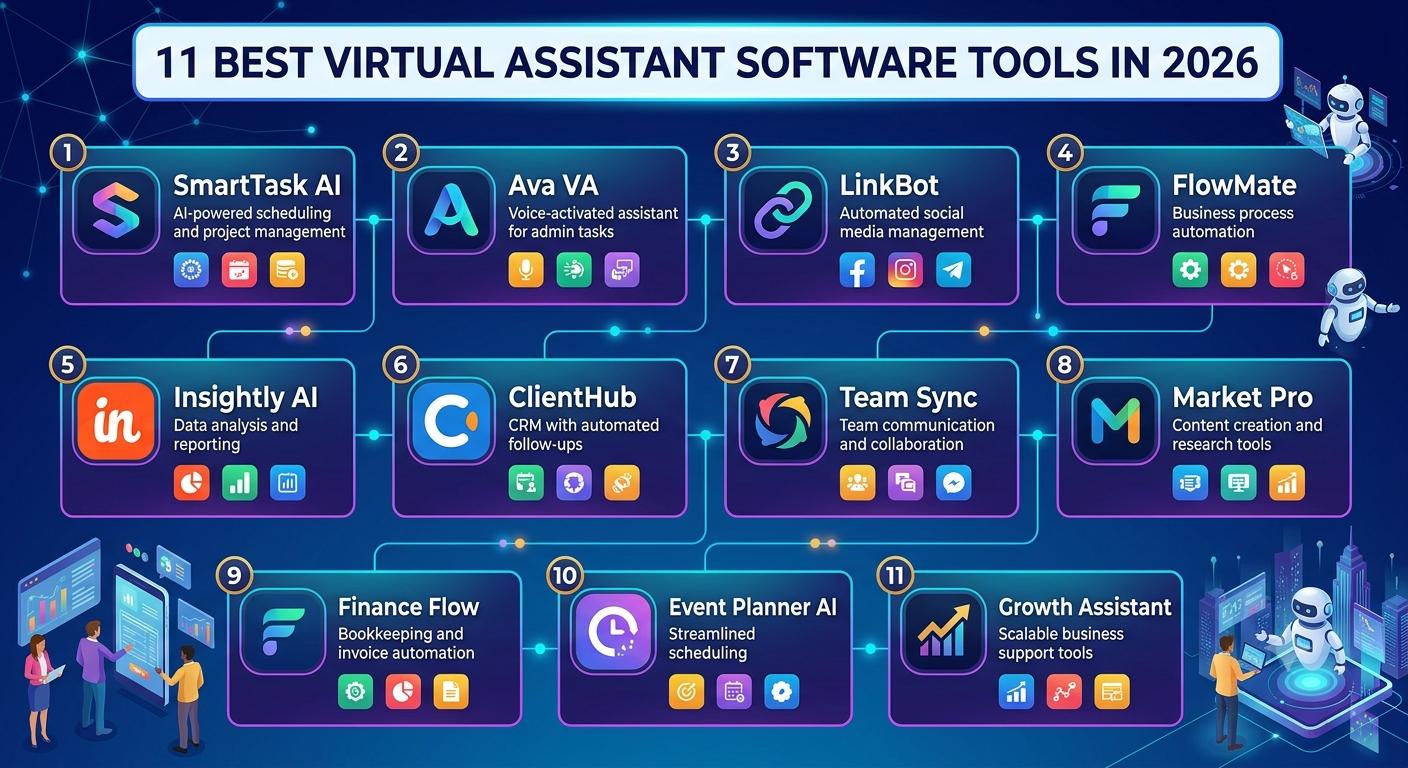
11 Best Virtual Assistant Software Tools in 2026
Virtual assistant software has become an essential part of modern business operations. Whether you’re a freelancer, entrepreneur, small business owner, or large enterprise, virtual assistant tools can automate repetitive tasks, improve productivity, and help teams focus on high-value work.
The rise of artificial intelligence (AI) has transformed virtual assistant software from simple scheduling applications into powerful platforms capable of handling customer support, data entry, email management, meeting scheduling, content creation, and workflow automation.
In 2026, businesses are increasingly relying on intelligent virtual assistants to streamline operations, reduce costs, and provide better customer experiences. With numerous options available, choosing the right virtual assistant software can be challenging.
This guide explores the 11 best virtual assistant software tools in 2026, highlighting their features, benefits, pricing, and ideal use cases.
What Is Virtual Assistant Software?
Virtual assistant software is a digital tool that performs tasks traditionally handled by human assistants. These platforms use automation, AI, machine learning, and natural language processing to manage tasks such as:
- Scheduling appointments
- Managing emails
- Answering customer queries
- Creating reminders
- Organizing workflows
- Conducting research
- Managing projects
- Generating content
- Automating repetitive tasks
The best virtual assistant software combines efficiency, automation, and intelligent decision-making to improve productivity.
Why Businesses Use Virtual Assistant Software
Organizations adopt virtual assistant software for several reasons:
- Increased Productivity
- Routine tasks consume valuable time. Virtual assistants automate these processes, allowing employees to focus on strategic work.
- Cost Savings
- Hiring a full-time assistant can be expensive. Software solutions provide similar capabilities at a fraction of the cost.
- Better Organization
- Virtual assistants help manage calendars, emails, projects, and tasks efficiently.
- Enhanced Customer Service
- AI-powered assistants provide instant responses and 24/7 support.
- Improved Collaboration
- Many virtual assistant platforms integrate with workplace tools, making team communication easier.
1. ChatGPT
Overview
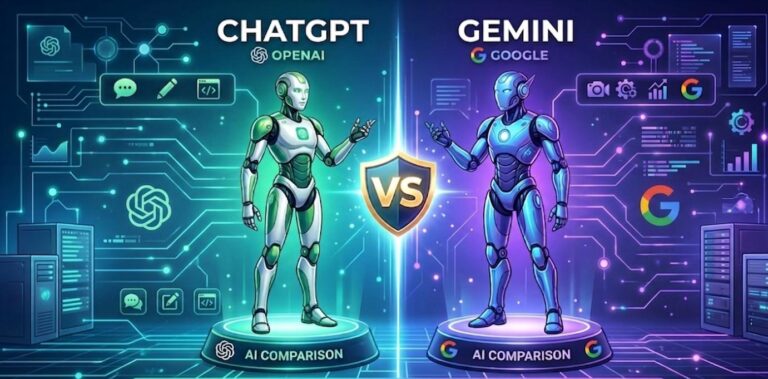
ChatGPT remains one of the most powerful AI virtual assistants available in 2026. It can handle content creation, customer support, brainstorming, coding assistance, research, and workflow management.
Key Features
- Natural language conversations
- Content writing assistance
- Email drafting
- Coding support
- Research capabilities
- Business automation
Pros
- Easy to use
- Highly versatile
- Advanced AI capabilities
- Supports multiple industries
Cons
- Requires verification of generated content
- Premium features require subscription
Best For
Businesses, marketers, writers, developers, and entrepreneurs.
2. Microsoft Copilot
Overview
Microsoft Copilot integrates deeply with Microsoft 365 applications, helping users automate tasks across Word, Excel, Outlook, Teams, and PowerPoint.
Key Features
- Email management
- Meeting summaries
- Data analysis
- Document creation
- Workflow automation
Pros
- Excellent Microsoft integration
- Enterprise-grade security
- Productivity-focused features
Cons
- Best suited for Microsoft users
Best For
Corporate teams and enterprise organizations.
3. Google Gemini
Overview
Google Gemini serves as a powerful AI assistant integrated into Google’s ecosystem. It helps users create content, manage workflows, and analyze information.
Key Features
- Real-time web access
- Document assistance
- Research support
- Gmail integration
- Workspace automation
Pros
- Strong research capabilities
- Excellent Google Workspace integration
Cons
- Some advanced features require premium plans
Best For
Businesses using Google Workspace.
4. Motion
Overview
Motion is an AI-powered productivity assistant that automates scheduling, task prioritization, and project management.
Key Features
- Smart calendar management
- Task scheduling
- Automatic prioritization
- Team planning
Pros
- Saves significant planning time
- Excellent for busy professionals
Cons
- Learning curve for new users
Best For
Executives, managers, and entrepreneurs.
5. Reclaim AI
Overview
Reclaim AI specializes in intelligent scheduling and time management. It automatically finds the best times for meetings, tasks, and personal activities.
Key Features
- Calendar optimization
- Habit tracking
- Smart scheduling
- Productivity analytics
Pros
- Great automation
- Reduces scheduling conflicts
Cons
- Focused primarily on scheduling
Best For
Remote teams and professionals.
6. Notion AI
Overview
Notion AI combines workspace management with advanced AI assistance, helping users organize projects and generate content.
Key Features
- AI writing assistance
- Task management
- Knowledge base creation
- Meeting notes
Pros
- Excellent collaboration features
- Powerful workspace management
Cons
- Large workspaces can become complex
Best For
Teams and startups.
7. ClickUp AI
Overview
ClickUp AI integrates project management and virtual assistant capabilities into a single platform.
Key Features
- Task automation
- AI-generated summaries
- Project tracking
- Workflow management
Pros
- Comprehensive project management
- Strong collaboration tools
Cons
- Many features may overwhelm beginners
Best For
Project managers and growing businesses.
8. Otter AI
Overview
Otter AI is a meeting assistant that records, transcribes, and summarizes conversations automatically.
Key Features
- Live transcription
- Meeting summaries
- Collaboration tools
- Searchable notes
Pros
- Accurate transcription
- Saves time on note-taking
Cons
- Works best with clear audio
Best For
Remote teams and business meetings.
9. Zapier
Overview
Zapier acts as a virtual assistant by connecting thousands of applications and automating workflows.
Key Features
- Workflow automation
- App integrations
- Trigger-based actions
- AI-powered automation
Pros
- Supports thousands of apps
- No coding required
Cons
- Complex automations may require setup time
Best For
Businesses seeking automation.
10. Siri
Overview
Apple’s Siri remains a popular virtual assistant for Apple users. It helps manage daily tasks through voice commands.
Key Features
- Voice control
- Smart reminders
- Device management
- Calendar scheduling
Pros
- Seamless Apple integration
- Easy to use
Cons
- Less advanced than some AI competitors
Best For
Apple ecosystem users.
11. Amazon Alexa for Business
Overview
Amazon Alexa for Business extends virtual assistant capabilities to workplaces, meeting rooms, and office environments.
Key Features
- Voice commands
- Meeting management
- Smart office controls
- Productivity tools
Pros
- Hands-free operation
- Easy deployment
Cons
- Requires compatible hardware
Best For
Modern workplaces and smart offices.
How to Choose the Best Virtual Assistant Software
Before selecting a virtual assistant tool, consider the following factors:
- Business Needs
- Identify which tasks you want to automate.
- Integrations
- Choose software that works with your existing tools.
- Budget
- Compare pricing plans and features.
- Scalability
- Ensure the software can grow with your business.
- Security
- Prioritize platforms with strong security measures.
- Ease of Use
- Select a solution that employees can adopt quickly.
Benefits of Using Virtual Assistant Software
Businesses using virtual assistant software often experience:
- Higher productivity
- Reduced operational costs
- Better customer service
- Improved time management
- Faster decision-making
- Enhanced collaboration
- Greater workflow efficiency
As AI technology advances, these benefits continue to grow.
Future of Virtual Assistant Software
The future of virtual assistant software is driven by artificial intelligence. Emerging trends include:
- More personalized assistance
- Advanced voice interactions
- Predictive task management
- Autonomous workflow execution
- Deeper business integrations
- Improved multilingual support
By 2030, virtual assistants are expected to become integral digital coworkers rather than simple productivity tools.
Frequently Asked Questions (FAQs)
1. What is virtual assistant software?
Virtual assistant software is a digital tool that automates tasks such as scheduling, communication, workflow management, and customer support.
2. Which virtual assistant software is best in 2026?
ChatGPT, Microsoft Copilot, and Google Gemini are among the top choices due to their advanced AI capabilities.
3. Can virtual assistant software replace human assistants?
It can automate many routine tasks, but human assistants remain valuable for complex decision-making and relationship management.
4. Is virtual assistant software suitable for small businesses?
Yes. Many affordable options are specifically designed for startups and small businesses.
5. Does virtual assistant software use AI?
Most modern virtual assistant platforms use AI, machine learning, and natural language processing.
6. Which software is best for scheduling meetings?
Motion and Reclaim AI are among the best scheduling-focused virtual assistant tools.
7. What is the best virtual assistant for project management?
ClickUp AI and Notion AI are excellent choices for project management.
8. Is virtual assistant software secure?
Most reputable platforms provide strong security features, including encryption and access controls.
9. Can virtual assistants improve customer service?
Yes. AI assistants can provide instant responses and support around the clock.
10. What should I consider before choosing a virtual assistant tool?
Consider your business needs, integrations, budget, scalability, security, and ease of use.
Conclusion
Virtual assistant software has evolved into a critical business asset. Whether you need content creation, scheduling assistance, workflow automation, customer support, or project management, there’s a solution designed for your needs.
Among the top options in 2026, ChatGPT, Microsoft Copilot, Google Gemini, Motion, Reclaim AI, Notion AI, ClickUp AI, Otter AI, Zapier, Siri, and Amazon Alexa for Business stand out as industry leaders.
The best choice depends on your goals, budget, and existing technology stack. Investing in the right virtual assistant software can significantly increase productivity, reduce workload, and help your organization stay competitive in an increasingly automated world.